Eagle IPTV
Eagle 4K Knowledge
Eagle IPTV is an informational resource for understanding IPTV technology, Eagle 4K setup, device compatibility, streaming quality, and lawful content-source checks. Learn how internet TV works before choosing any provider.
Learn How Eagle IPTV Streaming Works
What Eagle IPTV Explains — Knowledge Overview
Eagle IPTV covers IPTV terminology, device setup, streaming quality, VOD organization, and responsible use. Here is a breakdown of the knowledge areas on this site.
Channel Category Education
Learn how IPTV channel categories are commonly organized, how HD and Eagle 4K quality depend on device support, and why lawful source verification matters.
Browse Channel CategoriesEvent Streaming Basics
Learn how live-event categories are usually organized in IPTV apps, including schedule data, latency, quality settings, and content-rights considerations.
View Event Streaming BasicsVOD Learning Library
The VOD education section explains how app libraries are categorized, searched, filtered, and played back in HD or Eagle 4K where supported.
Explore the VOD LibraryLearning Options
Use this section to compare setup requirements, device limits, internet speed, player compatibility, and provider transparency.
Compare Learning Options
Eagle IPTV — Category Interface
EAGLE IPTV CHANNEL EDUCATION
Eagle IPTV Features — What the App Offers
VOD Learning Library
The VOD education section explains categories, search, subtitles, watch history, quality settings, and how lawful video libraries are usually organized.
Electronic Program Guide & Catch-Up
Eagle IPTV includes a built-in EPG showing up to 14 days of schedules across supported channels. The catch-up feature lets you replay program listings from the past 7 days on supported channels.
Parental Controls
These guides explain PIN-protected category settings so families can manage app access and safer viewing habits.
Eagle TV Learning Library
These guides explain Eagle 4K quality, app setup, category organization, and responsible streaming habits.

SETUP

DEVICE

QUALITY

SETUP

DEVICE

QUALITY

EPG

SAFETY

NETWORK

PLAYER

SUPPORT

GUIDES
SETUP
DEVICE
QUALITY
SETUP
DEVICE
QUALITY
EPG
SAFETY
NETWORK
PLAYER
SUPPORT
GUIDES
Available on All Devices
Use Eagle TV device guides to compare setup steps, app support, and performance expectations across screens.
Amazon Firestick
Android Box/TV
Smart TV (LG/Samsung)
iPhone & iPad
Android Mobile
PC & Mac
About Eagle IPTV — Background & Infrastructure
Eagle IPTV has been operating since 2018, serving users across multiple regions. The service runs on a documentd provider endpoint infrastructure designed to maintain stream stability across peak viewing hours.
The backend uses redundant provider endpoint clusters across five continents with automatic failover. Engineers monitor the network around the clock to address issues before they affect playback.
Active Users
Years Experience
Success Rate
Uptime Support
Eagle IPTV Learning Options — What Each Plan Includes
Use this section to compare device requirements, app support, broadband needs, privacy practices, and lawful-source expectations before choosing any provider.
Beginner Eagle IPTV Learning Path
- Eagle IPTV channel-category education
- VOD library organization basics
- HD & 4K Stream Quality
- Buffering Prevention Checklist
- Ongoing Technical Guidance
- Compatible with All Major Devices
Eagle IPTV — Technical Details & How It Works
Eagle IPTV uses a documentd provider endpoint network with real-time failover technology. Below is an overview of the technical components that affect stream quality and reliability.
4K Ultra HD Support
These guides explain how Eagle 4K playback depends on device support, app settings, lawful provider configuration, and a stable 35 Mbps or better connection.
Buffering Prevention Checklist
Adaptive buffering can reduce interruptions when the app, provider endpoint, and home network are configured well. Ethernet, router placement, and cache maintenance also matter.
Parental Control System
These guides explain PIN-protected category settings so families can manage app access and safer viewing habits.
Multi-Device Playback
One IPTV setup plan works across multiple devices simultaneously. Common setups include a Smart TV, a Firestick, and a mobile device running under a single account.
Content Sourcing
Eagle IPTV aggregates streams from a network of authorised content partners across multiple regions. This allows broad channel coverage across international markets.
Provider Endpoint Network & Uptime
The backend runs on globally documentd provider endpoint clusters with automatic failover. Engineers monitor infrastructure around the clock to maintain stability at stable uptime goals.
See Eagle TV in Action
Experience the interface, speed, and crystal clear quality of our advanced streaming service.
What Eagle IPTV Users Report
Selected user experiences covering stream quality, setup ease, and support — shared by eagle iptv readers.
"I've been using eagle iptv for about a year now. The Regional Schedule streams are solid — I rarely see buffering during matches. The EPG works well and switching channels is fast."
"The VOD concept library is genuinely large. I find new titles added regularly and the 4K quality on my OLED is good. Setup took a few minutes and the app is straightforward to navigate."
"The Firestick setup guide made the basic app settings clear, including storage, cache, network checks, and safe provider evaluation."



Eagle IPTV — Frequently Asked Questions
What is Eagle IPTV and how does it work?
Eagle IPTV is an internet-based TV service that explains channel categories and video library organization over a broadband connection. Unlike satellite or cable, it uses your existing internet to stream video through a compatible app. No dish, no cable box — just a stable connection and a supported device.
Which devices support eagle iptv?
This setup is compatible with Amazon Firestick and Fire TV, Android TV boxes, Samsung and LG Smart TVs, iPhones, Android phones, iPads, Windows and Mac computers, and MAG / Enigma2 boxes. Most users install it on their primary TV device first, then add additional screens as needed.
How do I fix buffering on Eagle IPTV?
Buffering on eagle iptv is usually caused by a slow or unstable internet connection. First, test your connection speed — 4K streams need at least 35 Mbps. Try switching from Wi-Fi to a wired Ethernet connection, restart your router, and if the issue persists, contact your provider to switch to a geographically closer provider endpoint.
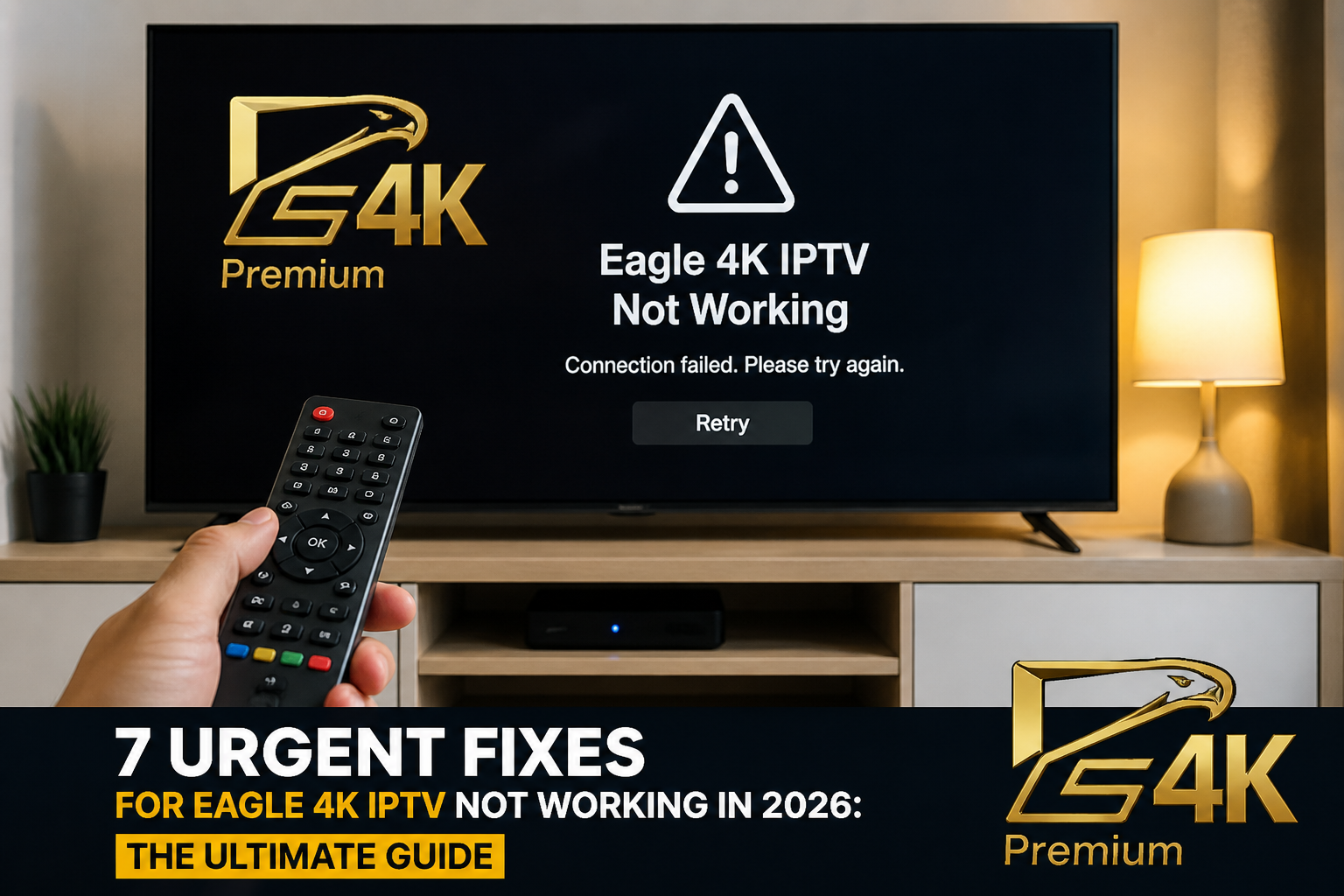
Eagle IPTV is not working — what should I check?
If eagle iptv is not working, go through this checklist: (1) Confirm your provider details are current. (2) Check your internet connection. (3) Restart the app and your device. (4) Verify that your login credentials are entered correctly. (5) Try a different stream or provider endpoint. Most eagle iptv not working issues resolve within these steps.
Eagle TV Learning Hub
Expert eagle player setup guides, eagle iptv tips, and eagle 4k streaming advice.
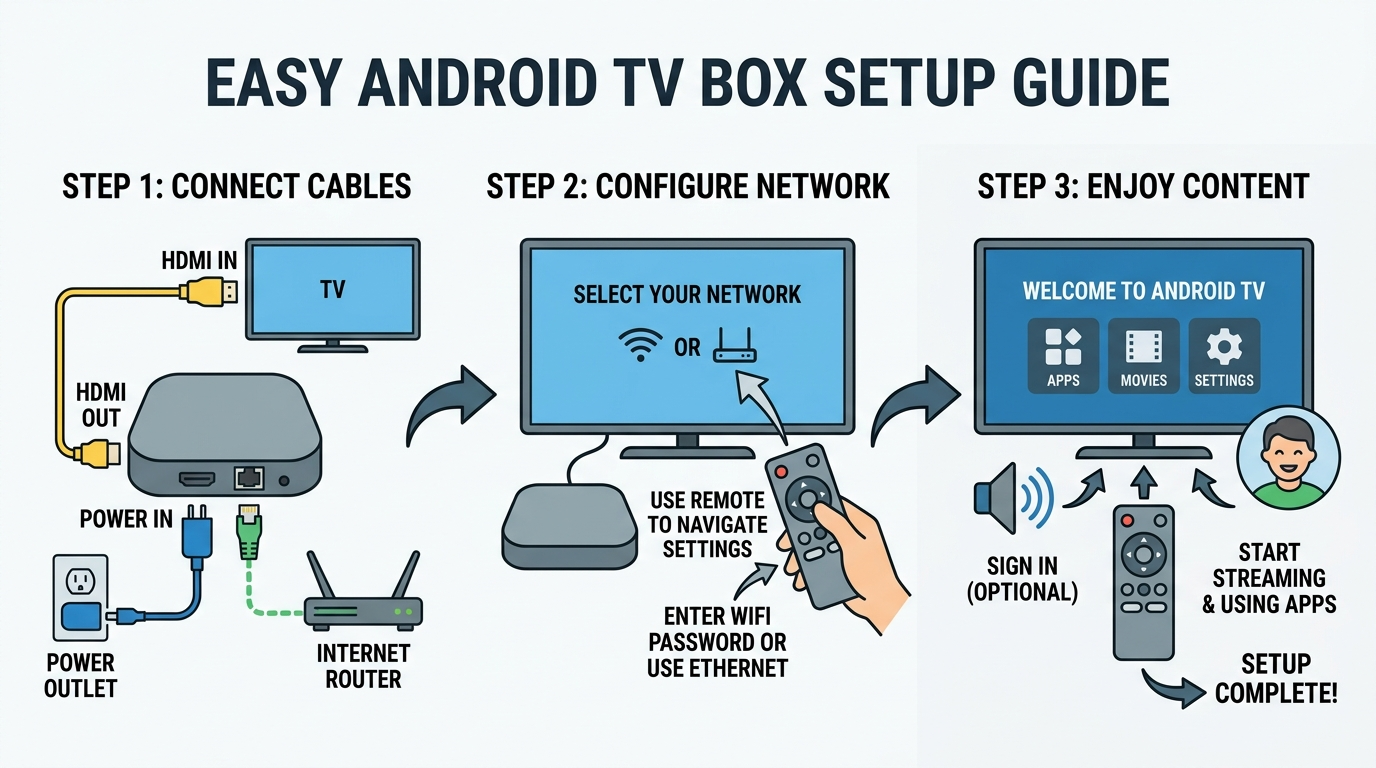
How to Install Eagle 4K IPTV on Android TV Box
how to install eagle 4k iptv android with our 2026 guide. Get the latest downloader codes, setup tips, and performance optimization for 4K streaming
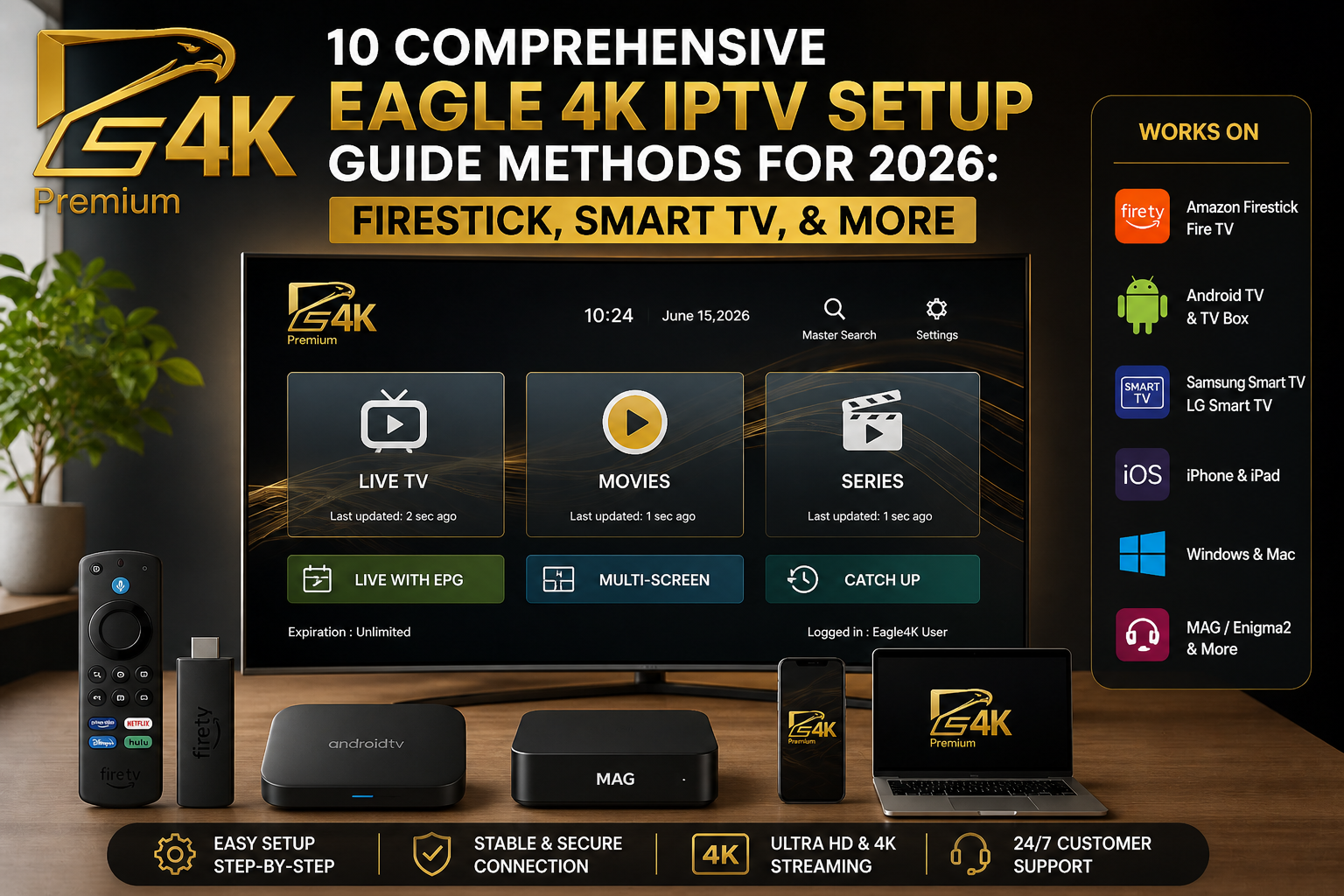
How to Set Up Eagle 4K IPTV in 2026
Complete Eagle 4K IPTV setup guide for 2026. Learn how to install and configure on Firestick, Smart TVs, Android, iOS, and more.
IPTV Eagle vs Cable: Why Millions Are Switching to Eagle TV
The practical, financial, and legal benefits of choosing eagle tv over traditional satellite and cable providers.